Download Dating Apps: A Safety Checklist for 2026

Deciding to download a dating app opens up a world of possibilities for meeting new people and finding a meaningful connection. The excitement of swiping through profiles and starting new conversations is undeniable. However, in today’s digital landscape, ensuring your personal safety and data privacy is more critical than ever. This guide provides a comprehensive safety checklist for 2026, designed to help you navigate the process securely, from the initial download to setting up your profile and starting to chat. Your journey into online dating should be fun and empowering, and that begins with making smart, informed choices from the very first click.
To safely download dating app versions, always use official sources like the Apple App Store or Google Play Store. Verify the developer’s identity, read recent user reviews focusing on security, and review the app’s privacy policy before you install and sign up for a dating app. This initial diligence is your first line of defense against fraudulent applications and data vulnerabilities.
Before You Click ‘Download’: Pre-Installation Security Checks
The first step in your safe online dating journey happens before the app is even on your phone. A few minutes of research can save you significant trouble later. Before you commit to any platform, take the time to investigate its reputation. Look for reviews on tech websites, user forums, and in the app store itself. Pay close attention to comments from the last few months, as these will reflect the app’s current state and any recent security issues. A pattern of complaints about fake profiles, data breaches, or poor customer support is a major red flag.
Furthermore, prioritize transparency. The most secure dating apps are upfront about how they use and protect your data. Locate and read the app’s Privacy Policy and Terms of Service. While often lengthy, scan for key sections on data sharing, location tracking, and what information they collect. If a policy is vague, difficult to find, or seems overly permissive in how it shares your data with third parties, it’s best to look for another option. Understanding your own preferences is also key; our guide on How to Choose a Dating App for Your Personality can help you find a platform that aligns with your goals, making the security research more targeted.
The Secure Process to Download a Dating App
Once you’ve chosen an app, the way you install it matters immensely. The single most important rule is to only download apps from official marketplaces: the Apple App Store for iOS devices and the Google Play Store for Android devices. These platforms have vetting processes in place to scan for malware and fraudulent applications, offering a crucial layer of protection.
Verify the Developer and App Details
Even within official stores, copycat apps can exist. To ensure you’re getting the legitimate version, check the developer’s name listed just below the app title. For a major app like Hinge or Bumble, it should say “Hinge, Inc.” or “Bumble Holding Limited.” If you see a generic or misspelled developer name, it’s likely a fake. Also, look at the number of downloads. A popular, established app will have millions of downloads, whereas a fraudulent one will have very few. This simple check helps you avoid malicious software designed to steal your personal information.
Review App Permissions Carefully
During installation, your phone will ask you to grant the app certain permissions. Don’t just click “Allow” on everything. Scrutinize what the app is asking for. Does a dating app really need access to your contacts or microphone at all times? Probably not. Grant permissions that are essential for the app’s function, like location services (which you can often set to “While Using the App”) and camera/photos for your profile. Be wary of any app that demands excessive permissions that seem unrelated to its core purpose.
How to Sign Up for a Dating App Without Compromising Privacy
After you safely download the dating app, the next critical phase is creating your profile. This is where you control the narrative and decide how much personal information you share. The goal is to be authentic and appealing without revealing details that could compromise your safety or privacy.
When you first sign up for a dating app, consider using an email address created specifically for online dating. This prevents your primary personal or work email from being exposed in the event of a data breach. Similarly, avoid using your full name or any part of your name that is easily searchable online. A creative username or just your first name is sufficient. When crafting your bio, be engaging but cautious. Talk about your hobbies, interests, and what you’re looking for, but avoid mentioning your workplace, neighborhood, or specific places you frequent.
Choosing Your Profile Photos
Your photos are your first impression, but they can also contain hidden information. Before uploading, review your pictures for any identifying background details. Is your house number visible? Does a photo show the name of your local coffee shop or gym? Is your car’s license plate in the shot? Use photos that showcase your personality in neutral locations. Avoid using the exact same profile picture across all your social media, as this makes it easy for someone to find your other profiles using a reverse image search.
Comparing Safety Features on Popular US Dating Apps
Not all dating apps are created equal when it comes to user safety. Many platforms have invested heavily in features designed to verify users and give you more control. When choosing which platform to use, consider these built-in security tools. Many of the most secure dating apps now offer robust verification systems and reporting tools. The cost of these features can vary, and if you’re exploring your options, our detailed comparison of Premium vs Free: Are Paid Dating Apps Worth It? can provide further insight.
| App | Key Safety Feature | Verification Method | Privacy Control Level |
|---|---|---|---|
| Bumble | Photo Verification & “Private Detector” AI | In-app photo pose matching | High |
| Hinge | Video & Selfie Verification | Video and photo liveness check | High |
| Tinder | In-App Safety Center & Panic Button (Noonlight) | Photo and optional ID verification | Medium-High |
| Match.com | “Date Check-In” & Human Moderation Team | Profile review by staff | High |
Your Ultimate Dating App Safety Checklist
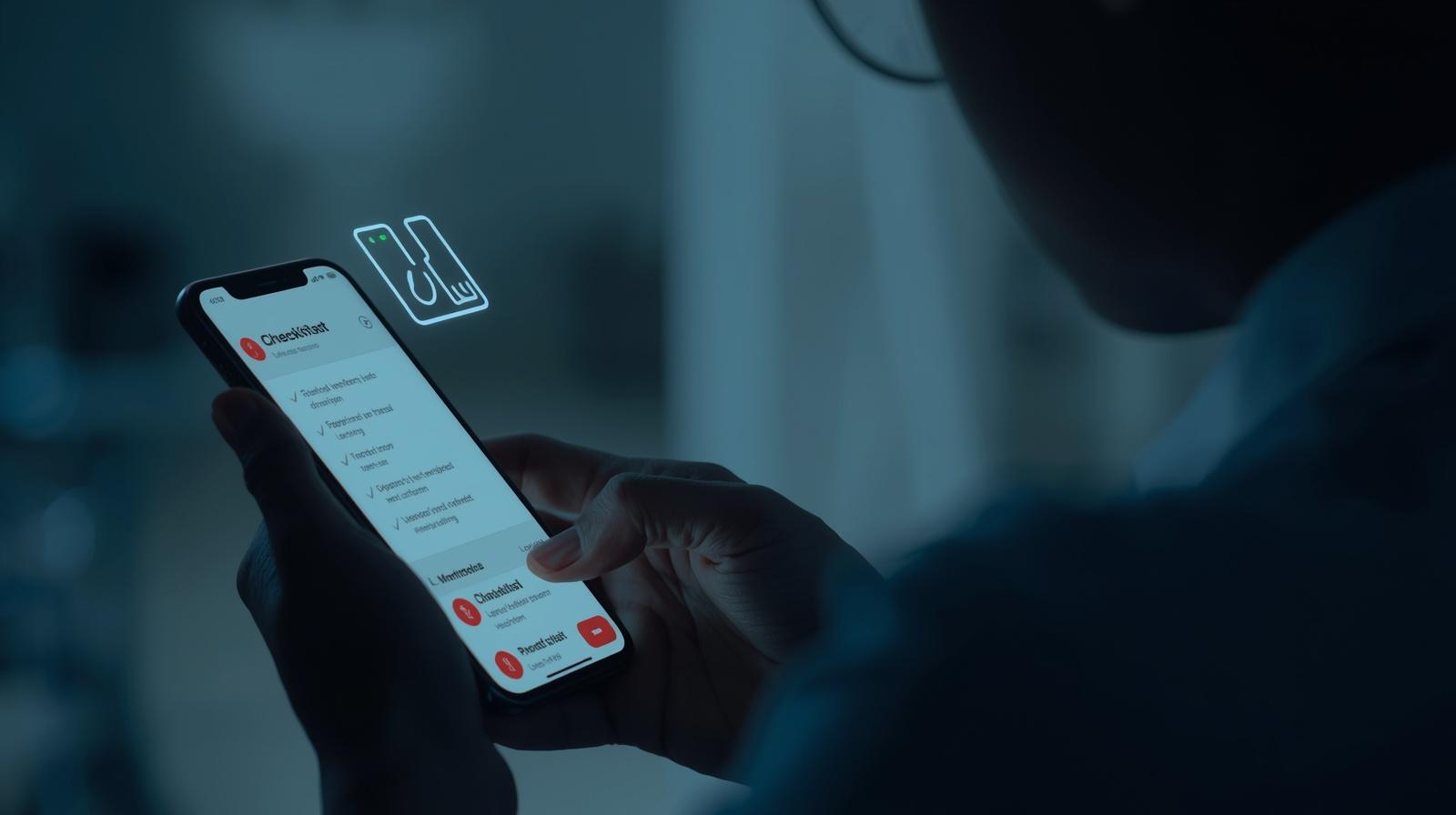
Keep this checklist handy every time you decide to explore a new platform. Following these steps consistently is the best way to protect yourself while enjoying the experience of meeting new people online.
- Use Official App Stores: Only download dating apps from the Google Play Store or Apple App Store. Never use third-party sites or links.
- Research First: Read recent reviews and check the app’s privacy policy before you download.
- Verify the Developer: Ensure the app is published by the official company.
- Limit App Permissions: Only grant access to what is strictly necessary for the app to function.
- Use a Unique Email & Password: Create a separate email for dating profiles and use a strong, unique password. Enable two-factor authentication (2FA) if available.
- Be Anonymous in Your Profile: Avoid using your full name, workplace, or any specific identifying information in your bio or username.
- Scrub Your Photos: Check photos for revealing background details before uploading them.
- Don’t Connect Social Media: Linking your Instagram or Facebook can expose a wealth of personal information to strangers.
- Stay on the App: Keep conversations on the dating platform initially. Scammers often try to move you to a private chat app quickly.
- Trust Your Gut: If a profile seems too good to be true or a conversation feels off, it probably is. Don’t hesitate to unmatch and report suspicious users.
Frequently Asked Questions (FAQ)
Are free dating apps less secure than paid ones?
Not necessarily. Security depends on the company’s investment in moderation and safety features, not its payment model. Many free apps, like Bumble and Hinge, have robust safety features. However, some paid apps may offer more advanced features like human-led profile moderation. The key is to research the specific features of any app you download.
What’s the most important safety tip when I sign up for a dating app?
The most critical tip is to control your information. This means being intentionally vague about personal details like your last name, where you work, and where you live. Your privacy is your best safety tool in the early stages of online dating.
How do I know if a dating app profile is fake?
Look for red flags: a profile with only one or two professional-looking photos, a bio that is very generic or has poor grammar, an immediate push to talk off the app, or stories that seem inconsistent. Verified profiles (with a blue checkmark) are generally more trustworthy.
What personal information should I never put on a dating app?
Never share your home or work address, your full name, social security number, financial information (bank accounts, credit cards), or specific details about your daily routine. Wait until you have established significant trust with someone before sharing more sensitive information.
Is it safe to connect my social media accounts to my dating profile?
It’s generally not recommended. Connecting accounts like Instagram or Spotify can reveal a lot about you, including your friends, family, frequented locations, and more. It’s safer to keep your dating profile separate from your other online identities until you know someone well.
How can I report a suspicious profile or user?
All reputable and secure dating apps have built-in, easy-to-use reporting functions. You can typically access this by tapping on a user’s profile and looking for a “Report” or “Block” option. Use this feature whenever you encounter someone who is harassing, suspicious, or violating the app’s terms of service.
Should I perform a background check on someone I meet online?
While some services offer this, a more practical first step is to do your own light vetting. Once you feel comfortable, you might exchange full names and look them up on public social media or LinkedIn. If something feels off, trust your instincts. For serious relationships, some people do choose to use paid background check services for peace of mind before meeting in person.
Conditions vary by profile. Consult official terms. Indicative information.
Official Sources and References
By clicking the links above, you will be redirected to external websites. We are not responsible for third-party content. Always verify information from official sources.